 Piping Toolbox
New in the Android app
Chat with AI for piping work
Ask a piping question in Piping Toolbox, attach a drawing if you need to, and get a reply in the same app as your flanges, fittings, and valves.
Built for piping questions
Chat with AI sits next to the same menus engineers already use. Open the app and try it.
-
Ask in your own words
Start from a topic chip — pipe schedule, flanges, valves, fittings — or type the question you actually have on site.
-
Bring a drawing with you
Attach a photo or file when the question needs a sketch, a nameplate, or a drawing in front of you.
-
Stay in one app
Jump from Chat with AI to flanges, fittings, and valves without leaving Piping Toolbox.
The toolbox is still here
Reference data and calculations stay in the same app. Chat with AI does not replace these tools — it sits beside them.
-
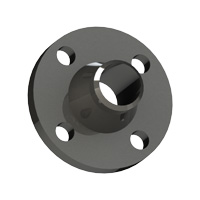
Flanges, fittings, olets
Look up dimensions without spreading drawings across a desk.
-
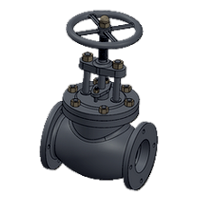
Valves and line blanks
Common piping components in one simple menu.
-
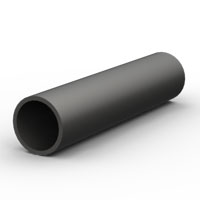
Pipe, spans, flexibility
Calculators and pipe data for everyday field and desk work.
-

Quiz and Tip of the Day
Practice questions and a daily piping note.
Inside the tools
The same dimension sheets that open when you pick a component in the app.


Open Chat with AI in Piping Toolbox today.
Get it on Google Play